
Event Calendar by Ardilogi
A complete event management system for WordPress. Create events from your admin dashboard and let the plugin handle the rest — auto-generated event pages, a public calendar, and WooCommerce ticket sales all connected.
Your Events. Your Calendar. Your Control.
Everything you need to manage events and sell tickets — built natively into WordPress and WooCommerce.
Full Event Management
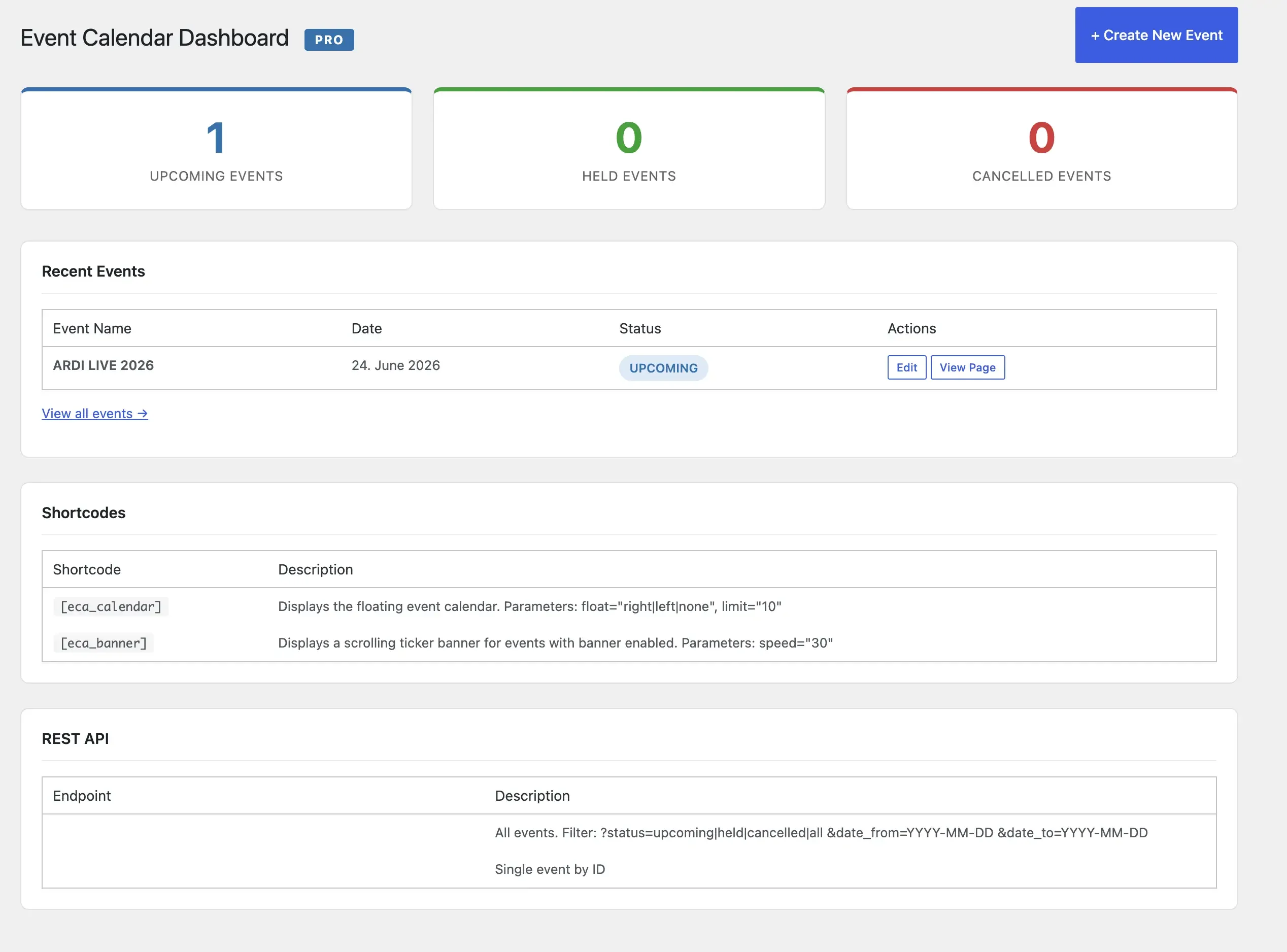
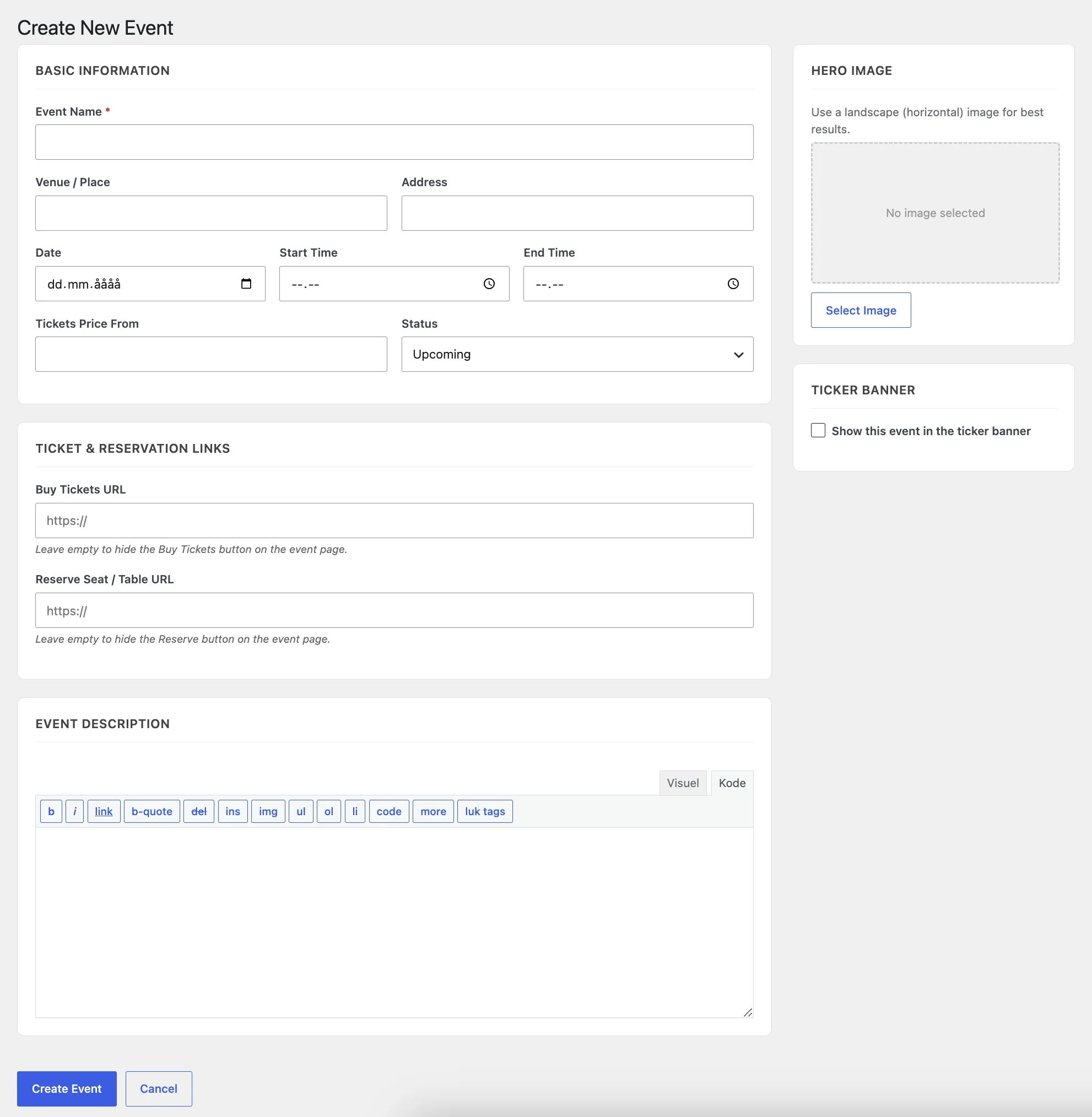
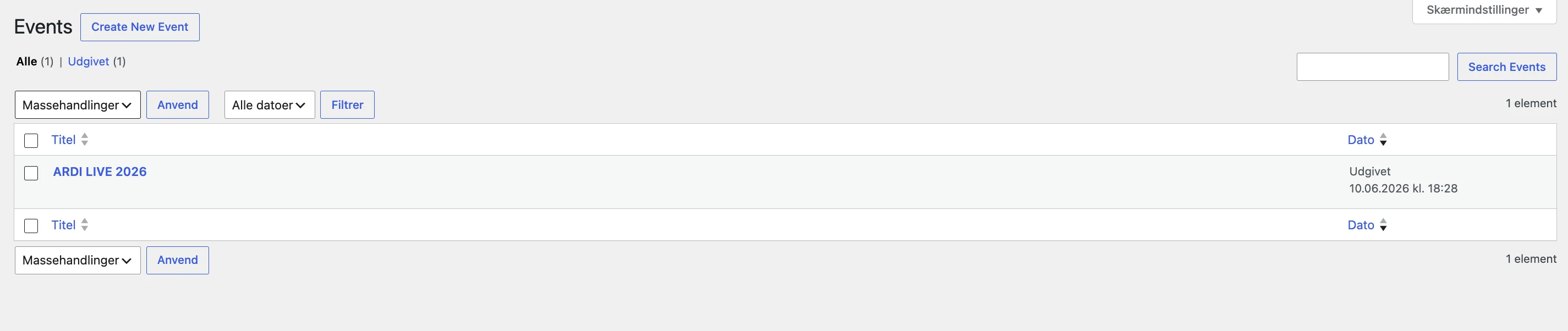
Create, edit, and manage all your events from the WordPress admin. Set dates, times, venues, descriptions, and ticket types in one place.
Auto-Generated Event Pages
The plugin automatically creates a dedicated page for every event — no page building required. Clean, structured, and SEO-ready out of the box.
Public Events Calendar
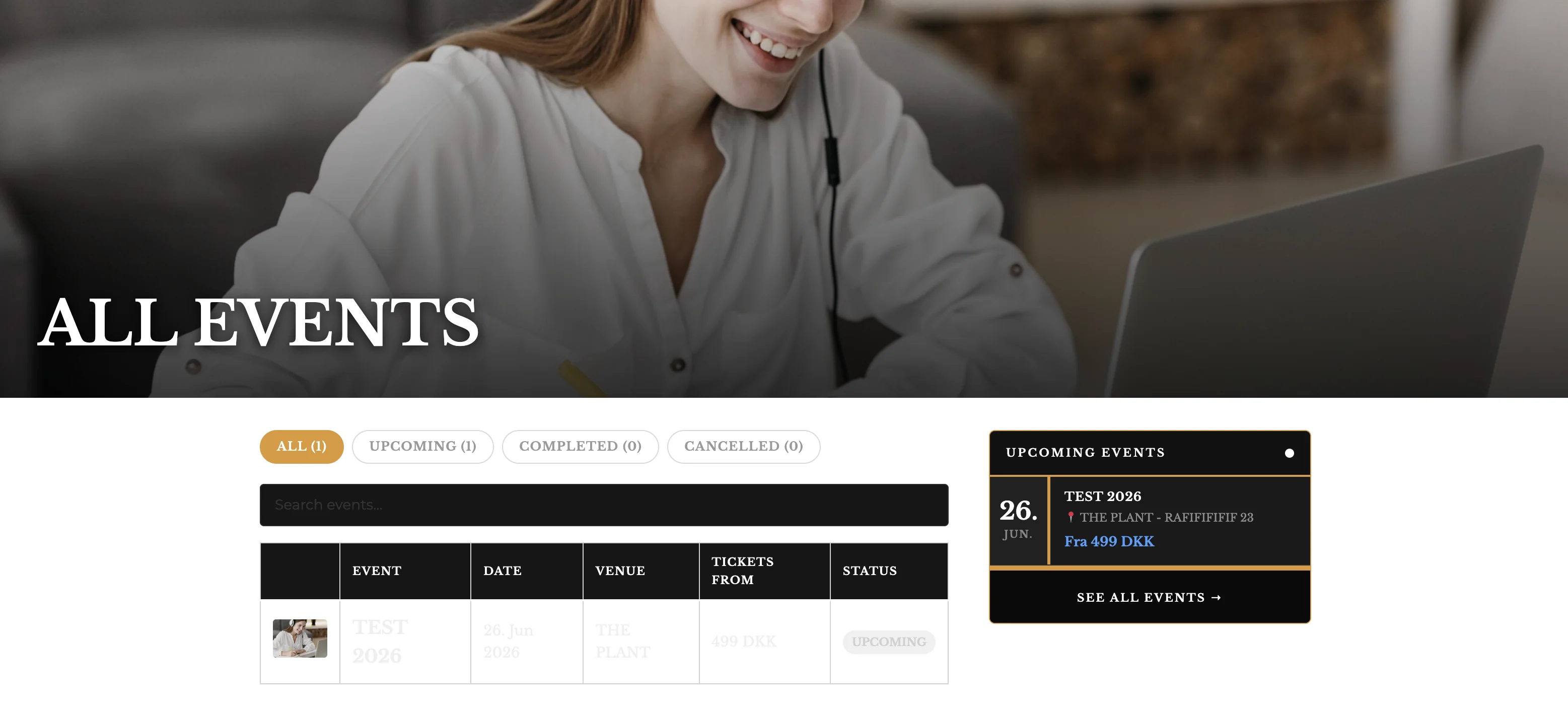
A beautiful all-events page is generated automatically, giving visitors a full overview of your upcoming festivals, concerts, and events.
WooCommerce Integration
Ticket sales plug straight into WooCommerce. Use your existing payment gateways, checkout flow, and order management — no extra setup.
Multiple Ticket Types
Offer early bird, VIP, standard, and backstage tickets — all within the same event. Configure pricing and availability per ticket type.
Customisable Frontend
The auto-generated pages follow your theme's styling and can be customised to match your brand — no design lock-in.
See It in Action
Real screenshots from the plugin running inside WordPress and WooCommerce.

Install in 3 Simple Steps
No developer needed. Works like any other WordPress plugin.
Purchase & Download
Buy the plugin at wordpressplugins.ardilogi.dk. Download the ZIP file from your account dashboard.
Upload to WordPress
Go to Plugins → Add New → Upload Plugin in your WordPress admin. Upload the ZIP and click Install Now, then Activate.
Create Your First Event
Find the new Events menu in your WP admin. Click Add New, fill in the details, link your WooCommerce ticket product, and publish.
Common Questions
Does this work with WooCommerce?
Yes — it's built specifically for WooCommerce. Ticket sales, checkout, and order management all happen through your existing WooCommerce setup.
Do I need the QR Ticket Generator plugin too?
No, each plugin works independently. But they are designed to complement each other — use Event Calendar to manage your events and QR Ticket Generator to handle scanning and entry at the door.
Will the event pages match my WordPress theme?
Yes. The auto-generated pages inherit your active theme's styles and layout. You can further customise the output with CSS or template overrides.
Can I run multiple events at the same time?
Absolutely. There is no limit on the number of simultaneous events you can create and sell tickets for.
What happens when the license expires?
The plugin will stop functioning when the 12-month license expires. There is no automatic renewal — you choose when to renew. During the license period, all updates and support are included.
Start Managing Events the Smart Way
99 €/year. One license. Full event management for your WordPress site.
🎟️ Buy Now – 99 €/year Try Free Version