
QR/Barcode & Ticket Generator
The fastest way to add professional event ticketing to your WooCommerce store. Every order automatically gets a unique QR code or barcode ticket — ready to scan at the door.
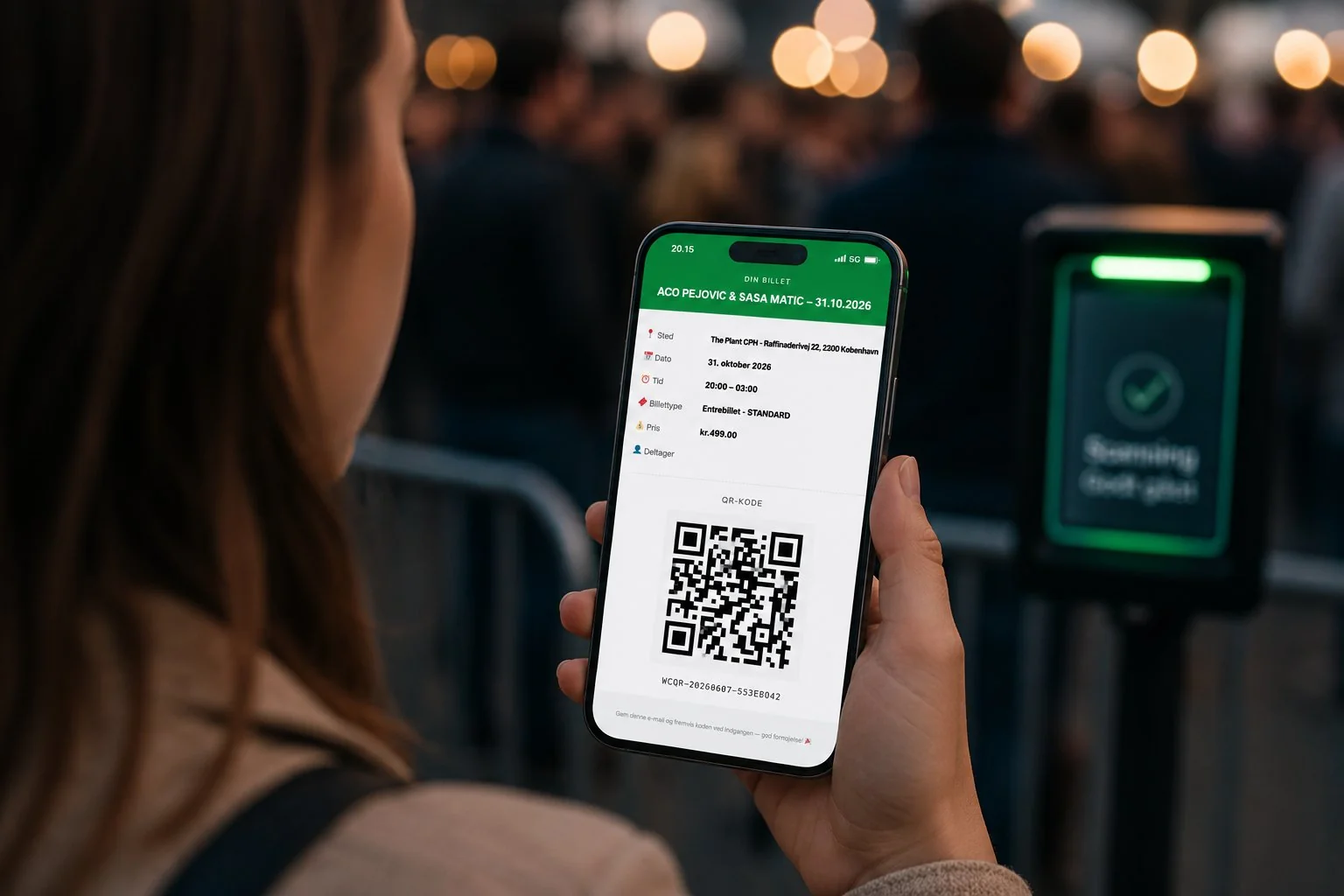
Everything a Ticket System Needs
From ticket generation to door scanning — all built into one WooCommerce plugin.
Auto QR & Barcode Generation
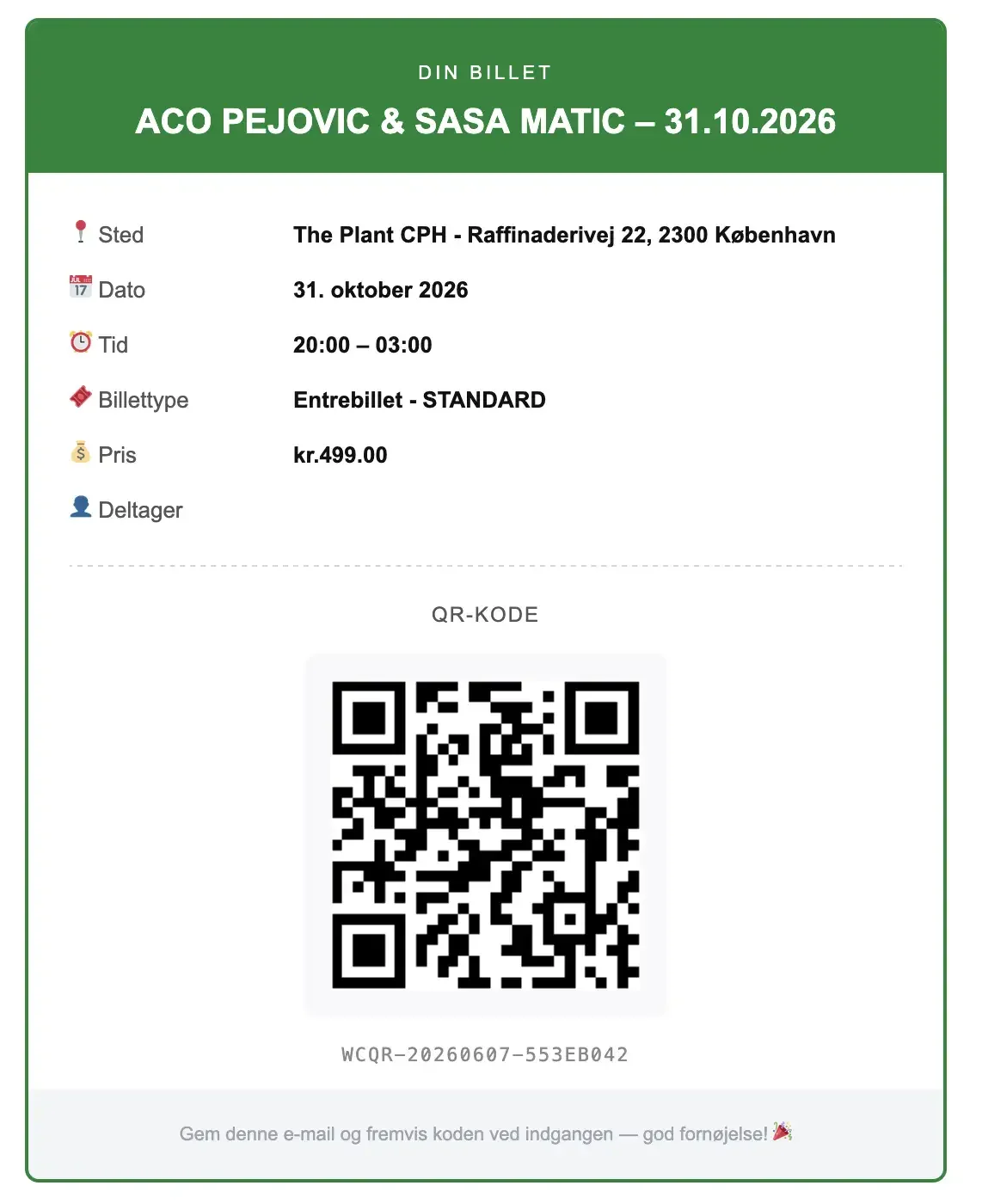
Every WooCommerce order automatically generates a unique, tamper-proof QR code or barcode ticket — no manual work needed.
Branded Ticket Emails
Tickets are delivered automatically by email after purchase. Customers get their ticket instantly, with your branding.
Camera-Based Scanner
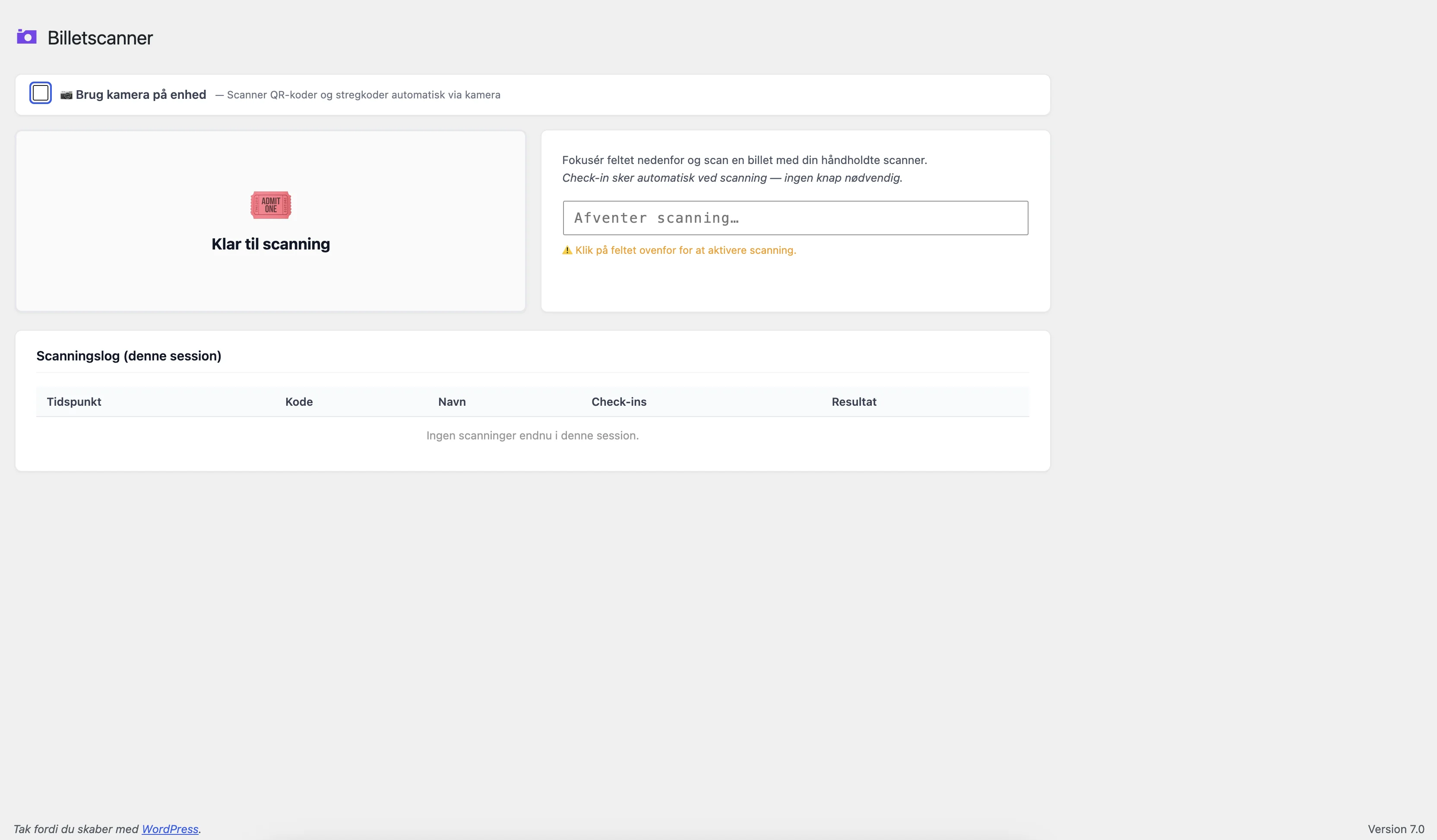
Built-in scanner page works on any smartphone or tablet — just open the URL and start scanning. No special hardware needed.
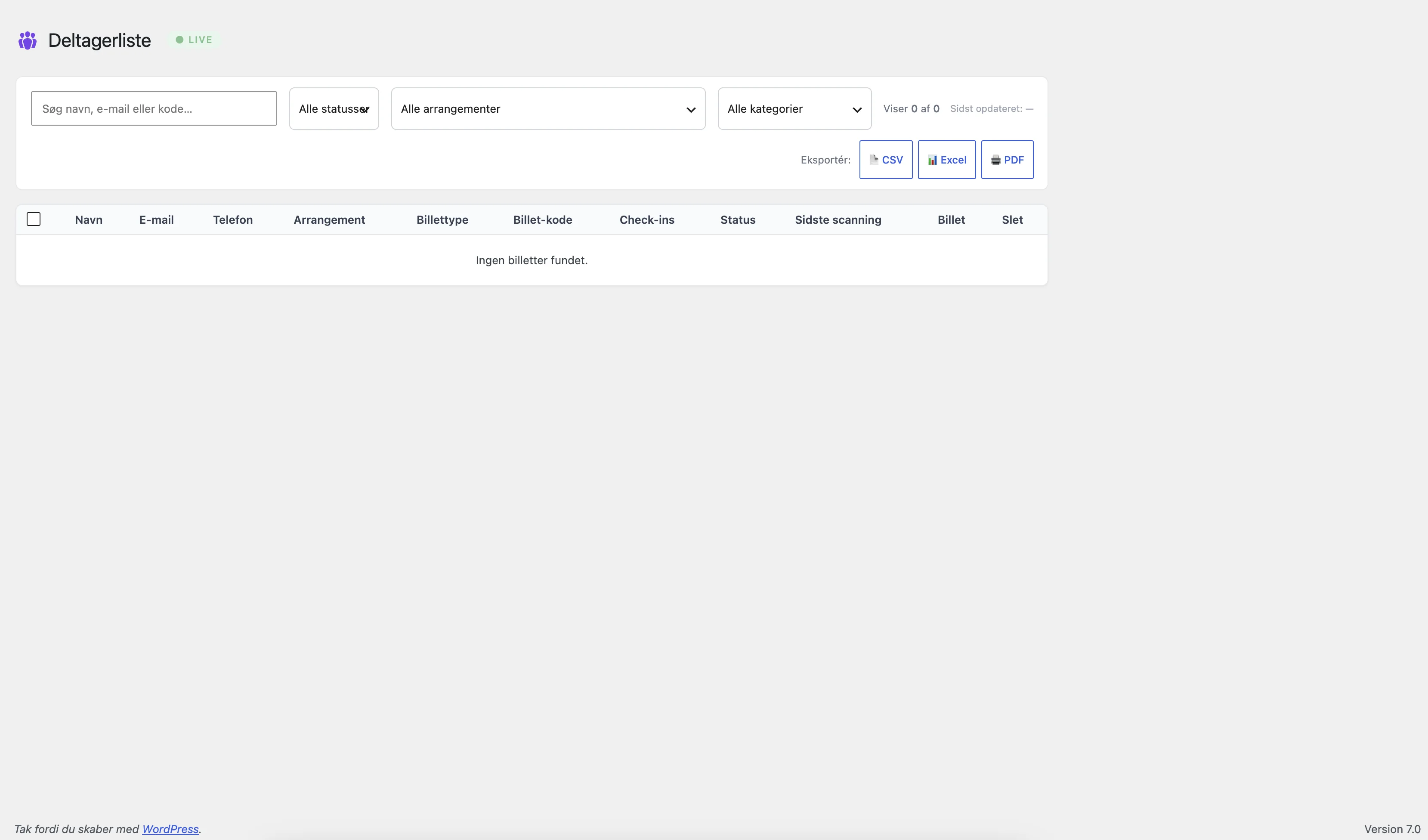
Real-Time Attendee List
See who has checked in as it happens. Export your full attendee list to CSV, Excel, or PDF at any time.
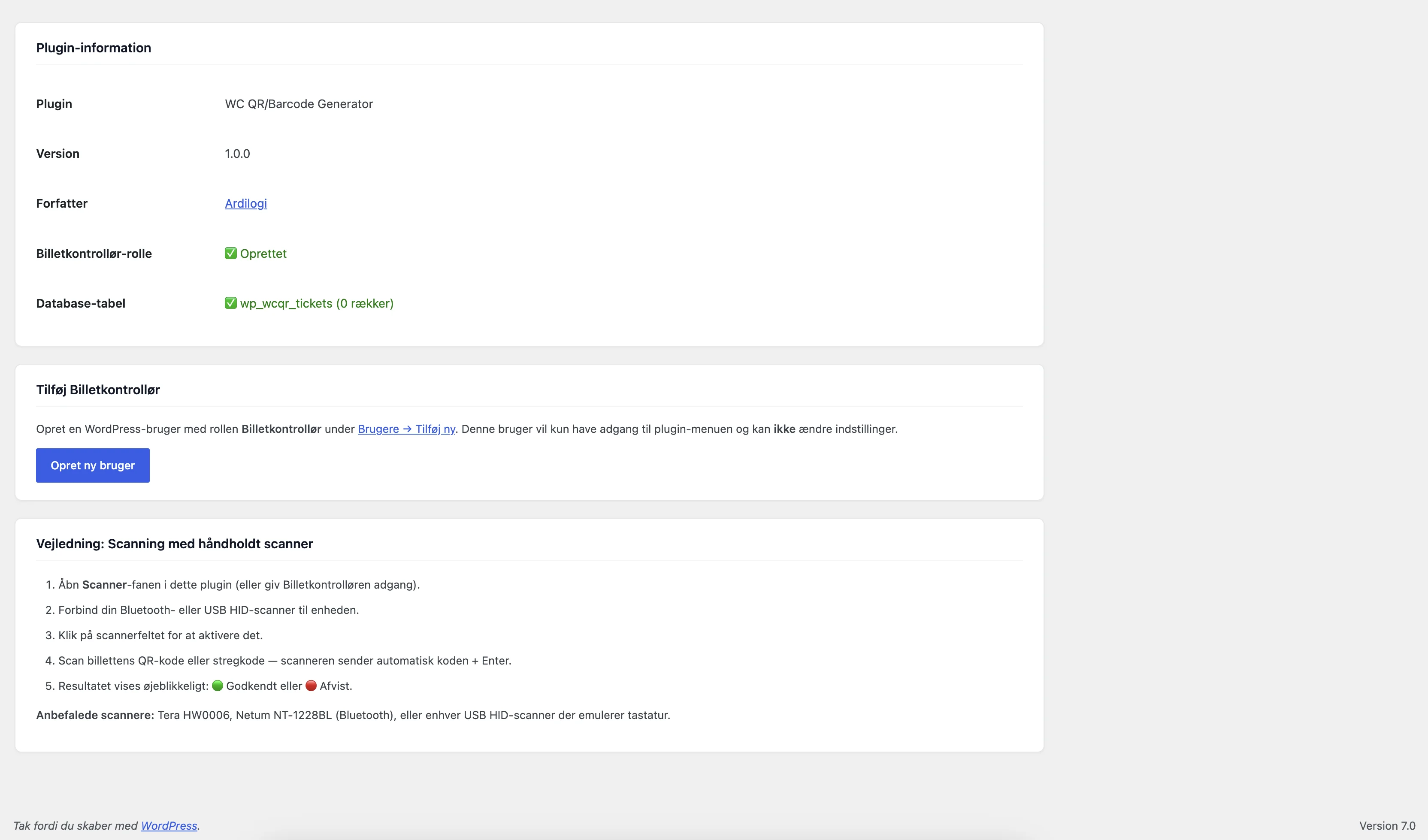
Ticket Inspector Role
Create dedicated WP user accounts for door staff. They can only access the scanner — nothing else in your admin.
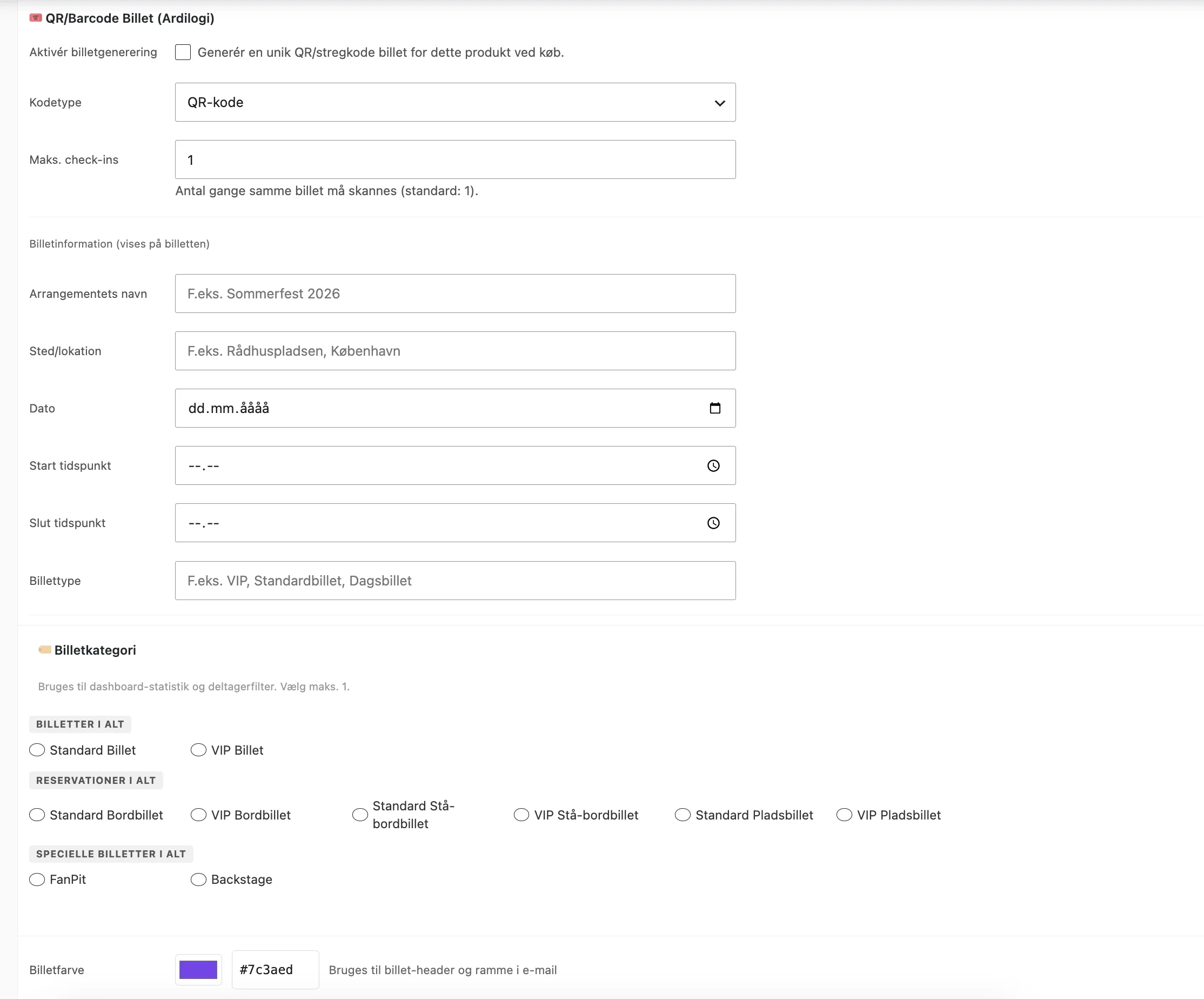
Per-Product Configuration
Configure ticket settings individually per WooCommerce product. Different events, different settings — fully flexible.
Ticket Expiry Control
Set tickets to expire after the event. Expired tickets are automatically rejected when scanned — no confusion at the door.
Billing Category Dashboard
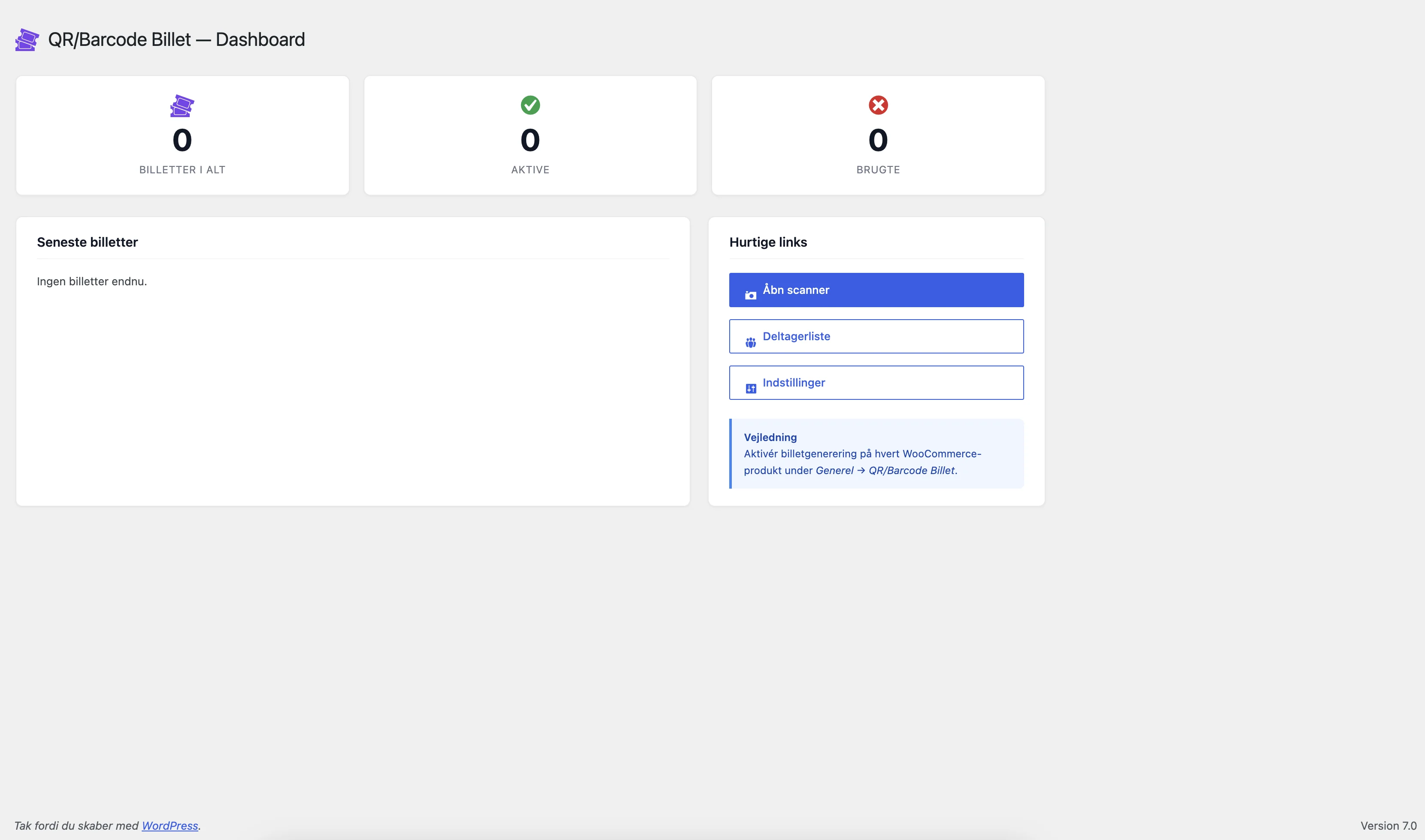
Get a clear overview of ticket categories, sales numbers, and revenue — all inside your WordPress admin dashboard.
See It in Action
Real screenshots from the plugin running inside WordPress and WooCommerce.
Install in 3 Simple Steps
No developer needed. Works like any other WordPress plugin.
Purchase & Download
Buy the plugin at wordpressplugins.ardilogi.dk. Download the ZIP file from your account dashboard.
Upload to WordPress
Go to Plugins → Add New → Upload Plugin in your WordPress admin. Upload the ZIP and click Install Now, then Activate.
Enable on Your Products
Open any WooCommerce product, find the Ticket Generator settings tab, enable ticketing, and configure your QR/barcode options. Done.
Common Questions
Does this work with my existing WooCommerce shop?
Yes. The plugin integrates directly with WooCommerce and works with any theme or payment gateway you already use.
Do I need a barcode scanner device?
No — the built-in scanner page uses your phone or tablet camera. Any modern device works. You can still use a dedicated HID barcode scanner if you prefer.
Can multiple staff members scan tickets simultaneously?
Yes. Create as many Ticket Inspector user accounts as you need. Each one can scan independently at different entry points.
What happens after the annual license expires?
The plugin will stop functioning when the license expires. There is no automatic renewal — you choose when to renew. Updates and support are included during the license period.
Can I use this for festivals with thousands of attendees?
Yes. The plugin is designed to handle high volumes. The real-time attendee list and multi-scanner support make it suitable for large events and festivals.
Start Selling Event Tickets Today
109 €/year. One domain. Full functionality. Keep every ticket sale for yourself.
🎟️ Buy Now – 109 €/year Try Free Version